


N.Y. MTA introduces interactive subway map
Now, without the need to open a separate PDF file, you can zoom in to enlarge any part of the map and expose details for easy viewing.

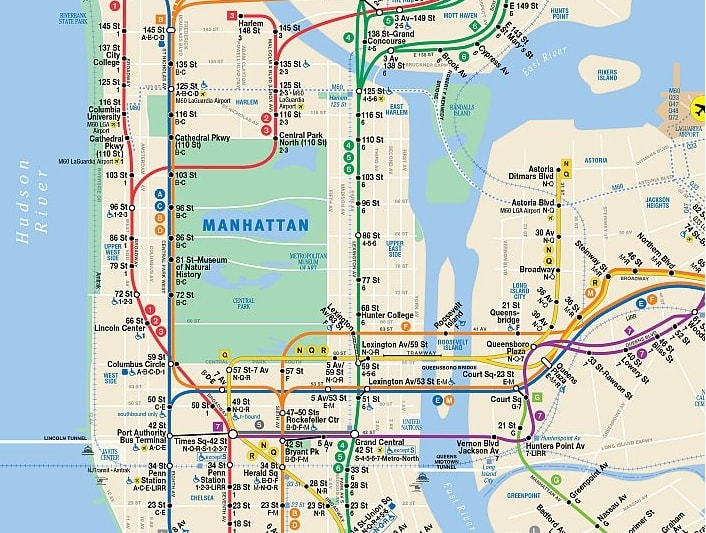

The Metropolitan Transportation Authority (MTA) has made the online map of the New York City Subway interactive. Now, without the need to open a separate PDF file, you can zoom in to enlarge any part of the map and expose details for easy viewing. Just scroll your mouse’s rollerball or click on the map’s zoom button. You can also click-and-hold your mouse button to drag the map with your mouse or click on pan buttons to change the section that’s visible.
As before, you can continue to click to download a PDF version of the map.
“The subway map is one of the most popular tools we provide on our website, and we want to make it as easy and convenient as possible for visitors to the city and New Yorkers alike to get the most out of the map online,” said Paul J. Fleuranges, sr. director, corporate and internal communications.
The interactive online map uses the latest version of the printed subway map, which indicates the continuing Hurricane Sandy-related service changes on the A line to the Rockaways, including the free H shuttle, and the South Ferry Station on the 1 line. This is the same map that is now being distributed by subway station agents in printed form.
Because of the evolving nature of post-storm subway service restorations, the MTA has been providing regularly updated service maps in PDF format since Superstorm Sandy. Previously, in addition to a PDF map, the MTA’s website had shown a static image of the subway map in GIF format that did not allow zooming or dragging.
The map window size has been optimized to provide the most viewing area possible for most users. It is 720 pixels wide by 900 pixels high.
By clicking on any of the subway route symbols shown above the map, you can pull up an individual line map listing the stops on each line and indicating what times of day trains stop at each.
The new map can be found by going to www.mta.info, then clicking on “maps” at the top of the screen, then clicking on “subway system.” Or follow this link: http://www.mta.info/maps/submap.html
Users of tablets and smartphones can access the online map as well with commands similar to the desktop version: pinch to zoom and swipe to scroll. From a mobile device, simply go to the MTA’s “On the Go” range of digital tools, and onthego.mta.info, or to the MTA’s mobile website, at m.mta.info.
More Rail
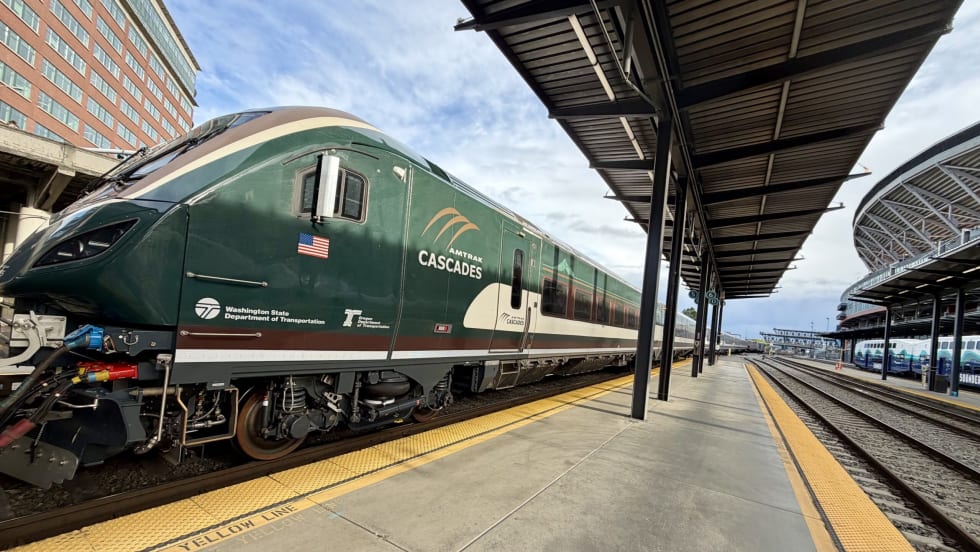
FRA Announces $5.3B in Rail Investments, Including $2B for Amtrak
Funding will support grade-crossing improvements, infrastructure upgrades, and new Amtrak equipment in 23 states.
Read More →
Finding the ‘Happy Medium’: Optimizing Maintenance Without Sacrificing Reliability
The key to maintenance optimization isn’t doing less work—it’s doing the right work at the right time on the right assets.
Read More →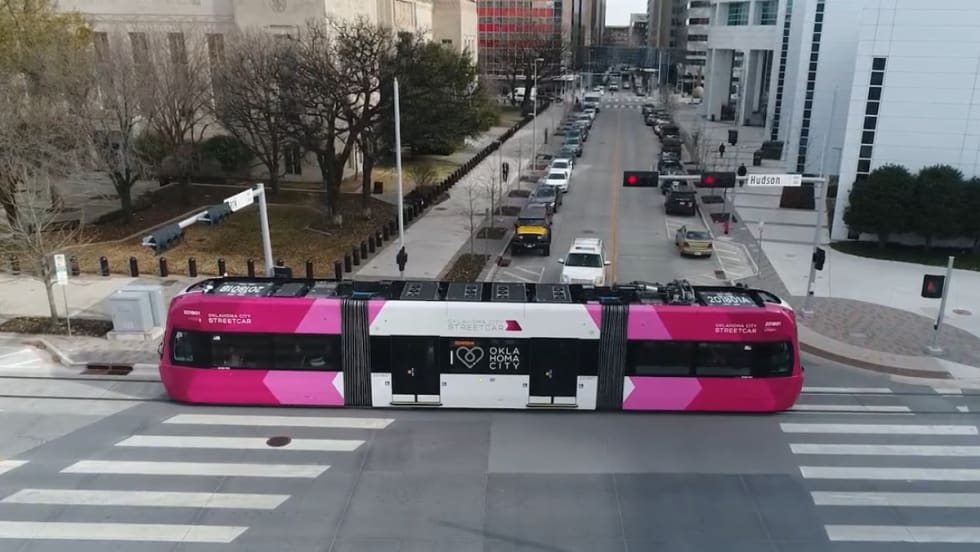
OKC Streetcar Makes Zero-Fare Service Permanent
Ridership increased an average of 71% compared with the same period a year earlier during the fare-free pilot.
Read More →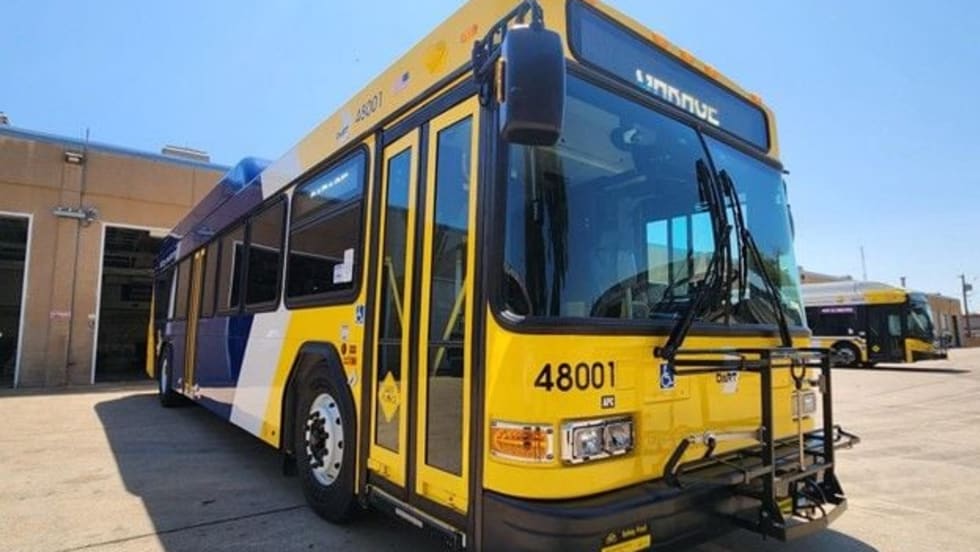
DART Customer Satisfaction Reaches Six-Year High
Overall satisfaction rose to 74.9%, while the agency’s Net Promoter Score reached a record 33.7.
Read More →
How DART's GoPass Is Redefining Regional Mobility
Serving 14 transit agencies, GoPass simplifies multimodal travel by allowing riders to plan, pay for, and manage an entire trip through one app.
Read More →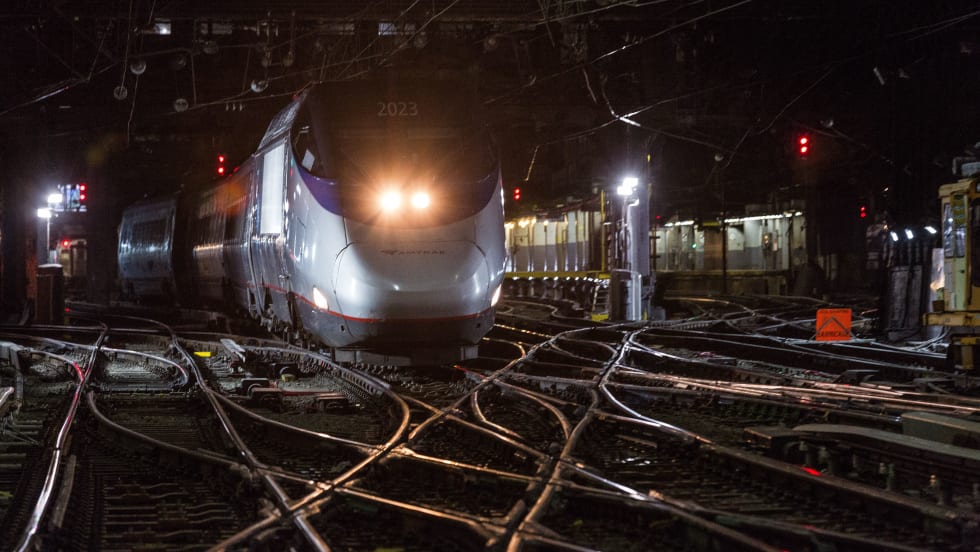
Amtrak Board Advances Plan to Restructure Organization, Seeks Public Input
The proposal, developed by Amtrak management and approved by the board for further consideration, is intended to modernize the organization's structure while improving accountability, operational efficiency, and customer service.
Read More →
Biz Briefs: STV teams with Amtrak, Motorcoach Operators Boost Fleet and Land Contracts, and More
From manufacturers and suppliers to transit agencies and motorcoach operators, these updates offer a snapshot of the projects, partnerships and business moves driving the industry forward.
Read More →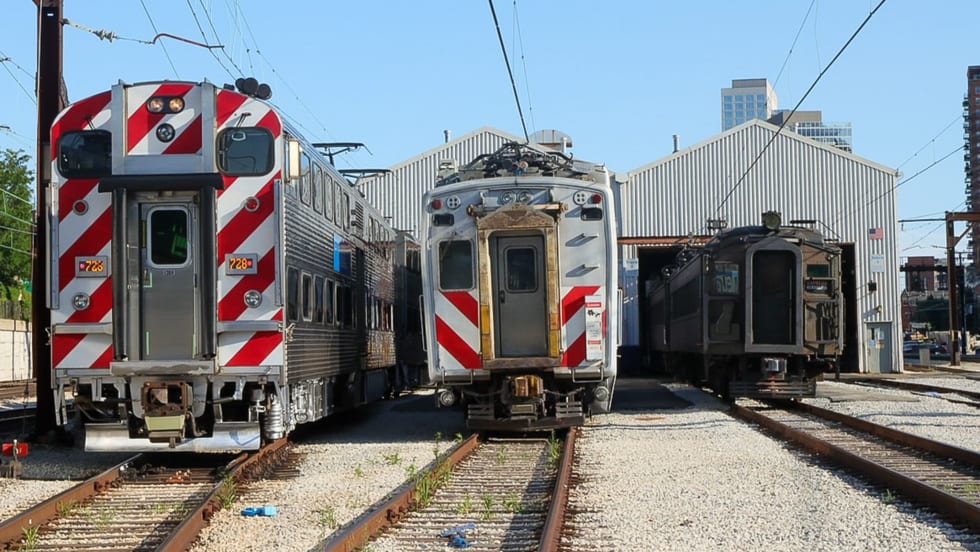
Metra Celebrates 100 Years of Electric Rail, Looks to the Future
The event was also a celebration of recent reforms to public transportation in the Chicago area, changes that could be as transformative in the future as the major civic achievement a century ago, said officials.
Read More →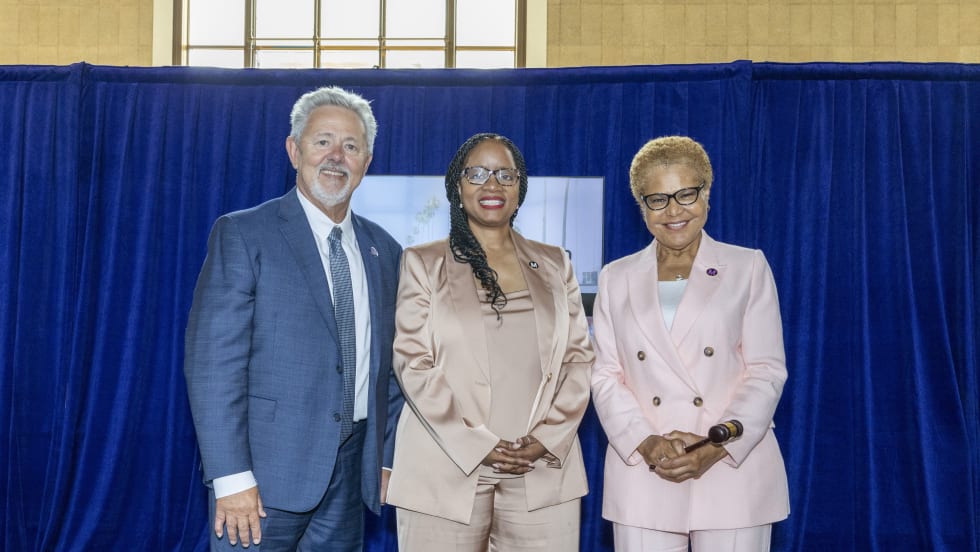
LA Metro Marks Banner Year, Sets Ambitious Goals for New Fiscal Year
Incoming LA Metro Board Chair and Los Angeles Mayor Karen Bass joined outgoing Board Chair Fernando Dutra and LA Metro CEO Stephanie Wiggins to review accomplishments from fiscal year 2026, which included the opening of new rail extensions, advancement of major transit projects, expanded safety programs, and new rider amenities.
Read More →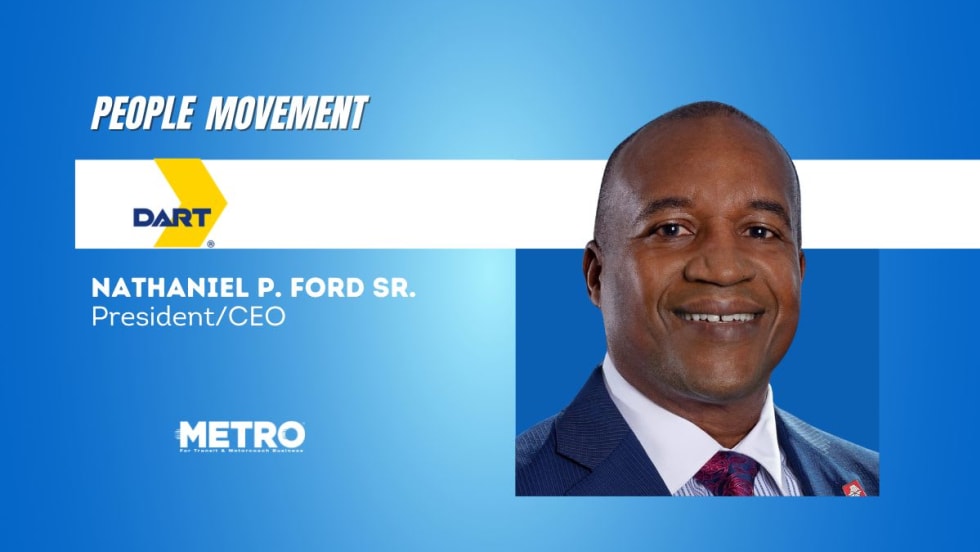
DART Taps Nathaniel P. Ford Sr. as Next President/CEO
Since 2012, Ford has served as the CEO of the Jacksonville Transportation Authority
Read More →