


When Creating A Transit Safety App, Ease of Use is Key
Nowadays, there’s an app for everything. Very few of those apps can turn an everyday transit rider into a hero who summons help for a person in distress. A routine ride on your transit system can be suddenly disrupted if you witness an assault, a crime in progress or a medical emergency. That is why apps designed for public safety must take all imaginable scenarios into consideration.


Nowadays, there’s an app for everything. Very few of those apps can turn an everyday transit rider into a hero who summons help for a person in distress. A routine ride on your transit system can be suddenly disrupted if you witness an assault, a crime in progress or a medical emergency. That is why apps designed for public safety must take all imaginable scenarios into consideration.
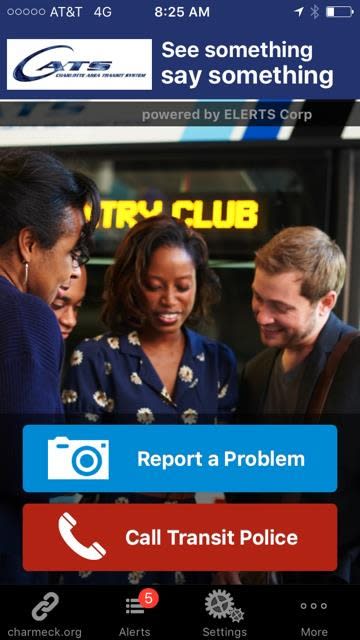
When we began work on our “See Something Say Something” transit app, we realized first responders couldn’t respond until they know something is wrong and where the problem is. With smartphones being carried by most people, riders were well equipped to report problems as soon as they see them. So, we needed to develop an app that allowed riders to communicate quickly with transit police.
Another thing public safety apps must consider: Motor skills rapidly diminish when we are in stressful situations. People can’t mentally process 10 buttons on an app when witnessing an incident. That’s why our app has TWO BIG BUTTONS, to either “Call Police” or “Report a Problem.” We wanted users to be able to easily transmit as much information as possible to a dispatcher quickly. So with just a few clicks, users can send a photo, video or describe their concern.
In addition to making it easier for the passenger to report suspicious activity, a public safety app should provide as much information as possible so the dispatcher can respond appropriately. For example, an ongoing assault/robbery would require a more immediate response and more manpower than a vandalism report.
Knowing where the incident is occurring is critical. There’s a tendency to think that since smartphones have GPS that the location of the person sending the report is a foregone conclusion. But, what if the GPS signal is low? That’s why we also incorporated a drop-down menu of possible locations for the passenger to choose from (e.g. a passenger on the Boston MBTA Red Line can select the name of the station they are at).
Besides ease of use, we felt the most important app feature needed to be real-time, two-way communication between the passenger and dispatcher. Once the passenger initiates contact, it’s important for the dispatcher to be able to communicate back to get more information or to advise the rider—e.g. what is happening now? Is it still an ongoing problem? This information enables the dispatcher to notify and update first responders to best address the situation.
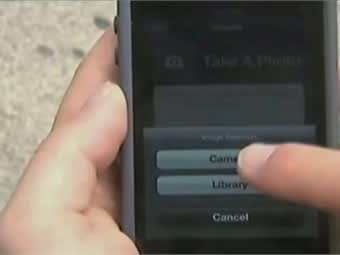
The safety of the passenger making the report was also a big consideration. At the scene, our app automatically disables the camera flash to not draw attention to the rider submitting a report. In addition, to encourage more reports, riders may submit an anonymous report if they do not wish to be identified. The dispatcher may communicate with the rider through the app, even if the anonymous option is chosen.
Strength of signal is a concern of any smartphone app that will be used underground or near tall buildings or hills. A transit application needs the capability to store and forward messages if signal is low or missing. The importance of that capability was demonstrated during the Boston Marathon bombings in 2013.
The Boston Marathon course passed by numerous bus and rail stations in the MBTA system. Consequently, there were a number of spectators who had the See Something/Say Something app on their smartphones. When the chaos began, people attempted to use their smartphones to report what they saw with phone calls and text messages. Very quickly, the cell phone circuits were maxed and neither phone calls nor texts could get through. However, every transmission via the See Something/Say Something app was delivered.
We can all agree that the safer our public transit systems, the better. By deputizing passengers with apps like our See Something/Say Something product, law enforcement and riders can actively work together to improve safety for all who use the transit system.
Ed English is the CEO of ELERTS, Corps, the leading provider of See Something, Say Something mobile apps for mass transit systems. For more information, visit www.elerts.com.
More Blog Posts
Improving Transit Accessibility by Offering Assistive Listening
Did you know that there are literally tens of millions of people worldwide with hearing loss, many of whom will use some form of public transit at some point?
Read More →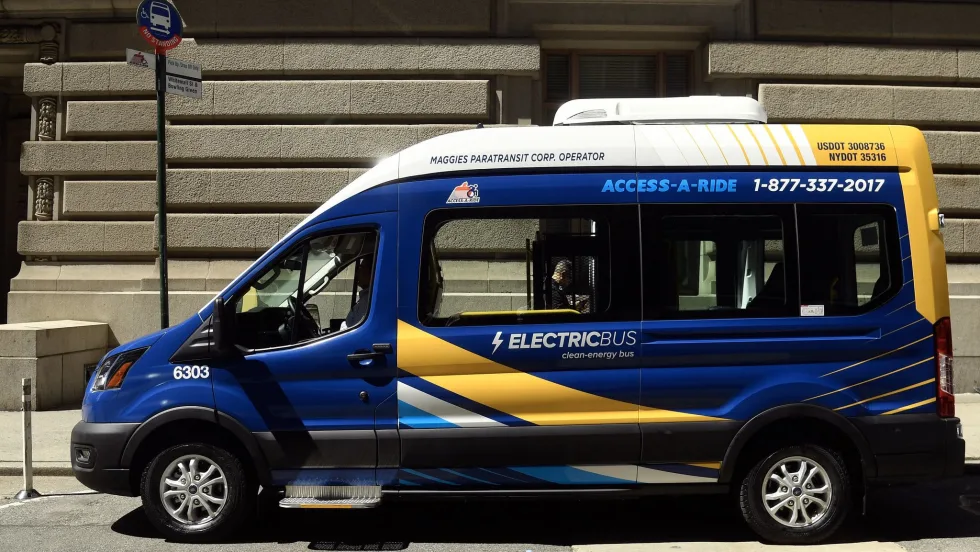
35 Years of the ADA, Making Travel Easier for Seniors
Thirty-five years after the passage of the Americans with Disabilities Act of 1990 (ADA), the impact of this landmark piece of civil rights legislation cannot be overstated.
Read More →
Driving Performance with Purpose: How I Lead One of Greyhound’s Top Teams
Safety, on-time performance, and customer experience are critical elements in intercity bus operations. But getting them right doesn’t come down to plans or protocols alone. It comes down to execution. How well your team performs on the ground, in real time, is what defines success.
Read More →
Navigating Emerging Privacy Laws: A Call to Action for Service Providers in Mass Transit
With Data Privacy Day Jan. 28, I want to spotlight a critical challenge faced by service providers in the mass transit sector: managing personal information responsibly in an era of rapidly evolving privacy regulations.
Read More →
Human Trafficking Awareness: What Public Transportation Can Do?
January is National Slavery and Human Trafficking Prevention Month in the U.S., and January 11 is National Human Trafficking Awareness Day.
Read More →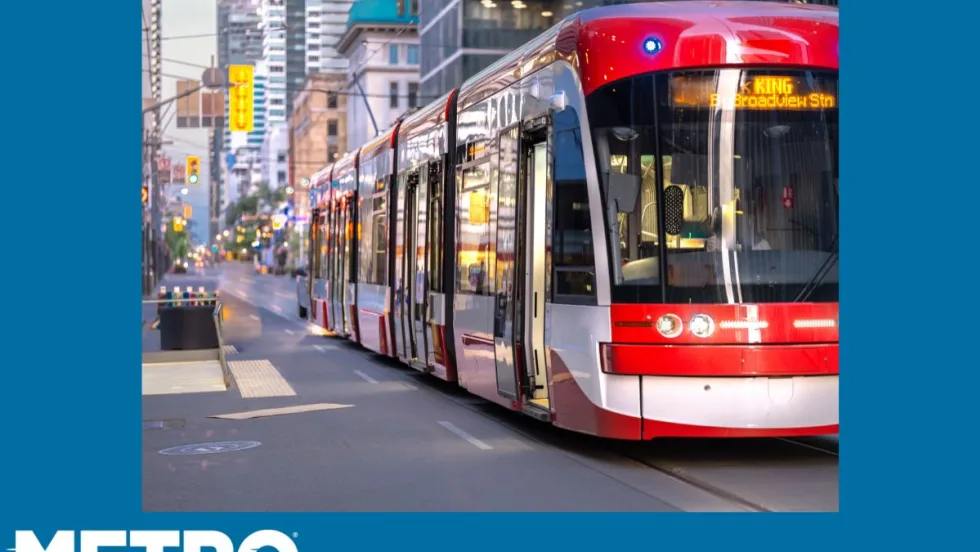
Want to Improve Transit Safety and Operations? Break Down the Silos
Retrieving and reviewing data and video can be a cumbersome process for fleet managers. Each system or tool provides a piece of the puzzle, but seeing the complete picture requires tedious manual synchronization.
Read More →
Ensuring Public Transit Cybersecurity Through Robust Protective Measures
In today’s highly connected world, cybersecurity is of utmost importance, particularly for transportation agencies overseeing transit bus systems that rely increasingly on sophisticated technologies, including the use of data analytics in traffic signal networks, to manage and operate their systems.
Read More →
How Advances in Thermal Management Revolutionize Urban Mobility
In the daily hustle and bustle of city life, transit buses serve as the backbone of urban transportation, allowing millions of city dwellers to get from point A to point B each day reliably.
Read More →
The Evolution of Bus Design
Thirty years ago, drivers not only had to drive the bus and navigate heavy traffic, but they were also responsible for tasks like supervising passenger loading and unloading, selling tickets, and providing passengers with various kinds of information, all while sitting in an often ill-fitting workstation.
Read More →
What 'Transit Safety 101' Really Means
Safety, Safety, Safety. This word is used repeatedly, and in many contexts, without most people understanding what it actually means.
Read More →